
How accurate is HRV measured with a phone camera?
A phone camera can measure HRV with useful accuracy under controlled conditions. Studies comparing camera results with electrical recordings of the heart have found close agreement for some apps and larger errors for others, especially after exercise. There is no single accuracy percentage that applies to every phone, app and reading.
If you want to follow resting HRV without buying a wearable, camera measurements are worth considering. Before relying on the numbers, check what the app measures, how its accuracy was tested and whether your measurement conditions match that evidence.
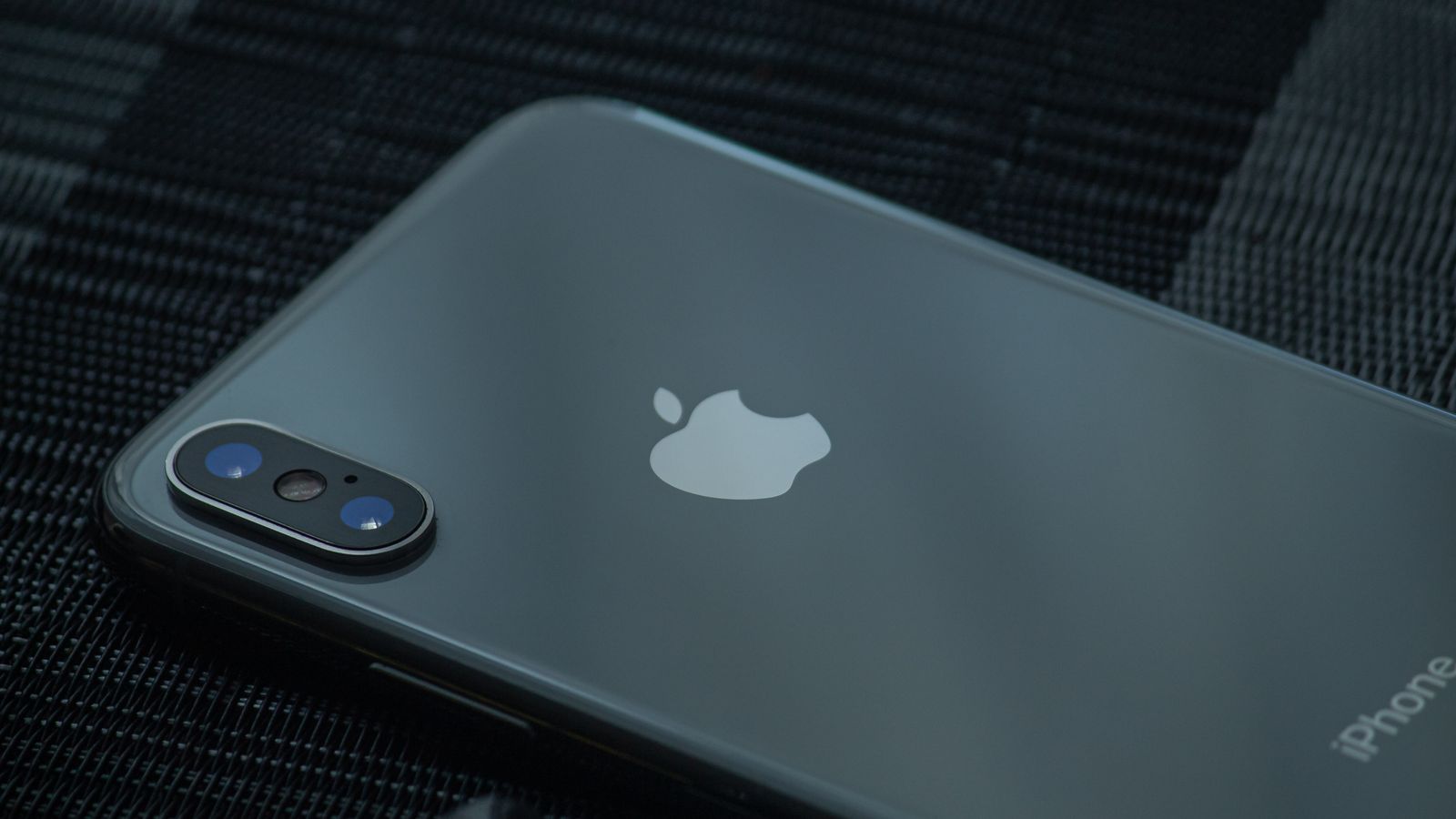
What does a phone camera measure?
HRV, or heart rate variability, describes the small differences in time between heartbeats. When you cover a phone camera and flash with your fingertip, the camera records changes in light as blood pulses through the finger. The app estimates the gaps between those pulses. This optical method is called PPG.
An electrocardiogram (ECG) records the heart's electrical activity. The two methods observe different signals, so researchers compare them during the same recording period to see how closely their HRV results agree. The 2020 camera validation study below explains and tests this comparison.
A plausible pulse rate is only part of the check. An average of 60 beats per minute does not tell you whether every gap between beats was timed correctly. HRV depends on those individual gaps, which is why evidence about pulse-rate accuracy alone cannot establish HRV accuracy.
What have validation studies found?
In 2020, researchers compared phone-camera HRV with ECG in 31 healthy adults before and after resistance exercise. The tested phone method performed better at rest; agreement worsened after exercise, and differences existed even before the workout. That finding supports keeping a resting check separate from a measurement taken soon after training.
A 2023 study of 57 healthy participants tested a phone application using Happitech's measurement software against ECG during five-minute guided breathing sessions. Agreement was generally strong for the HRV measures studied. This is encouraging evidence for that setup and breathing protocol. It does not establish the same accuracy for every camera app or for measurements taken while moving.
A study published in January 2026 compared CameraHRV, a Polar H10 chest strap and ECG in 37 trained participants. They completed two short resting trials on the same day. Camera readings were reasonably repeatable, but differed more from ECG than the chest strap readings did. For RMSSD, an HRV measure based on changes between neighboring beat intervals, the average size of the percentage error was 17.49% for the camera and 2.16% for the strap.
Those percentages describe error in that study. They are not accuracy ratings for other apps, nor should 17.49% error be relabeled "82.51% accurate." The results also show why repeatability and accuracy deserve separate attention: an app can give similar results on repeated checks while still differing from the reference measurement.
How to read an app's accuracy claim
Look for a study that names the app or measurement software being tested. Then check the reference device and the conditions: a quiet resting session is different from a post-workout check. A study of healthy young adults also leaves questions about people outside that group.
Check the HRV metric, too. Two apps can show numbers in milliseconds while reporting different measures, such as RMSSD and SDNN. They can also use different recording lengths or summarize different parts of the day. Our guide to why HRV apps show different numbers explains these comparisons.
If an app displays a signal-quality percentage, read its definition. A quality indicator can help you decide whether to repeat the recording. It does not by itself tell you how close the resulting HRV value is to an ECG measurement, and it does not validate a stress or recovery score derived from that reading.
The studies discussed here did not test Wellhero. Their findings explain what phone-camera measurement can do under specific conditions; they do not establish a product-specific accuracy percentage for Wellhero.
When should you question a camera reading?
Start with the recording conditions if the result looks unusual. Welltory's measurement instructions, for example, recommend staying still, breathing naturally and using a consistent position. Follow the instructions for the app you use.
- If the app reports a weak signal, adjust your finger as instructed and repeat once you can hold it comfortably and still.
- If you measured just after a workout, record that context. Compare future resting readings with other resting readings.
- If you deliberately slowed your breathing, keep that session separate from your usual natural-breathing check.
- If the disagreement is between two apps or devices, check their metric and recording time before treating either number as an error.
To compare days, use the same app and posture at a similar time. Avoid repeating measurements just to find a preferred number: choosing the highest result makes your history harder to interpret. Review an unusual recording before trying to explain what caused it.
Should you use a camera, watch or chest strap?
A camera suits an intentional resting check when you are willing to stop and hold your finger in place. A watch is more convenient if you want readings during sleep or at other times without starting each session yourself. Our guide to frequent versus daily HRV tracking explains what those extra readings can add.
If precise agreement with a reference measurement is important to your use, look for validation of the exact device and app combination. The chest strap performed better in the 2026 comparison above, but that result is not a guarantee for every strap, software setup or activity.
In Wellhero, you can take an HRV measurement with your iPhone camera and follow the app's signal guidance. The iPhone camera measurement guide shows finger placement and the measurement screens. The HRV app page explains the supported ways to track your readings.
A consumer HRV reading cannot determine the cause of symptoms or rule out a health problem. Seek medical advice if you are concerned about symptoms, even when the reading looks reassuring.